 One of my favourite tools, and probably my most used website of 2020 is Canva. There is a free basic version, which in my opinion is excellent anyway, but luckily for us educators we also have free access to their premium account. Canva is a design platform that allows you to easily create presentations, worksheets, posters and much more. You can do this from scratch or adapt one of the 420,000 templates which are readily available on Canva. Postcards Easily create your own postcards to be printed out or emailed to students who having to work from home. 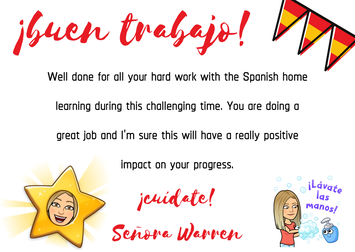 I created this postcard (see above) during the first lockdown as I wanted to show my students that I recognised and appreciated how hard they were working at home during the pandemic. 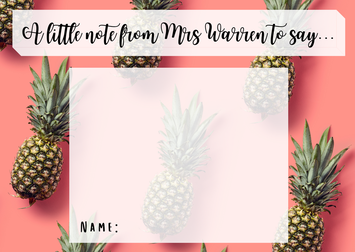 This idea was inspired by @scittnqt – a primary school teacher who I follow on Instagram. I printed out a ton of these postcards before the start of the school year, so I have them ready to give to students who are working hard in lessons, contributing to tutor time discussions or who perhaps need a bit of motivation. 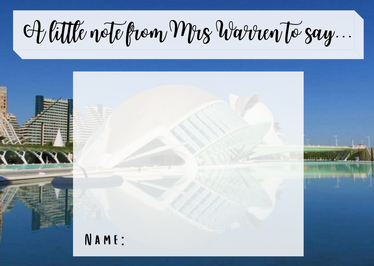 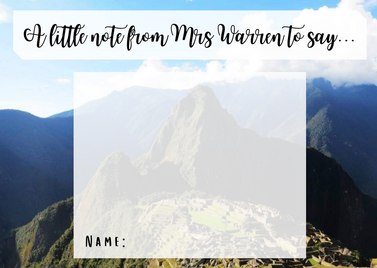 You can upload your own pictures like I have here. I like to use photos from my travels around France, Spain and Peru as my backgrounds, but there are tons of attractive backgrounds and images already on Canva that you can use. Certificates Another way to recognise students’ effort and progress is with certificates. It's really simple to create your own certificates, but there are many templates which are free to use and easily adaptable. It barely took any time at all to create the certificate below by adapting a template I liked. 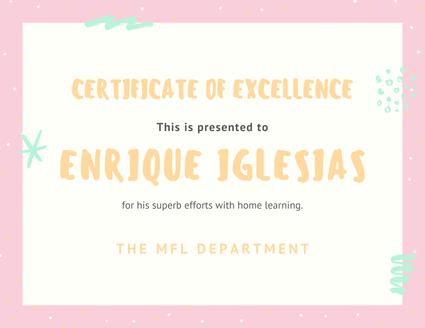 Virtual Classrooms In May I blogged about how I’d been inspired by @MissKTripp to create my own virtual classroom. The idea was that instead of bombarding my students with various emails and links to various websites, they would have all the information they needed in one place. You can read my blog on how to do this here. Since then I’ve found out that there are actually lots of ready to use Virtual Classroom templates on Canva. Simply find the one you want, adapt it however you wish, add hyperlinks to useful websites and then email this to students. 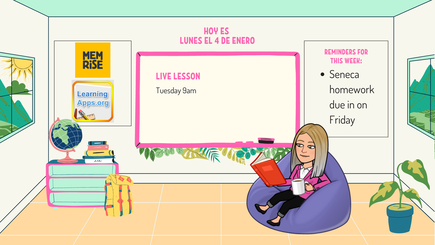 Stickers I also use Canva to create my own stickers. You know those things that you find yourself writing out over and over again? You can design your own stickers on Canva with the information on to save yourself time. See my guide on how to print your own stickers here - it's so easy! 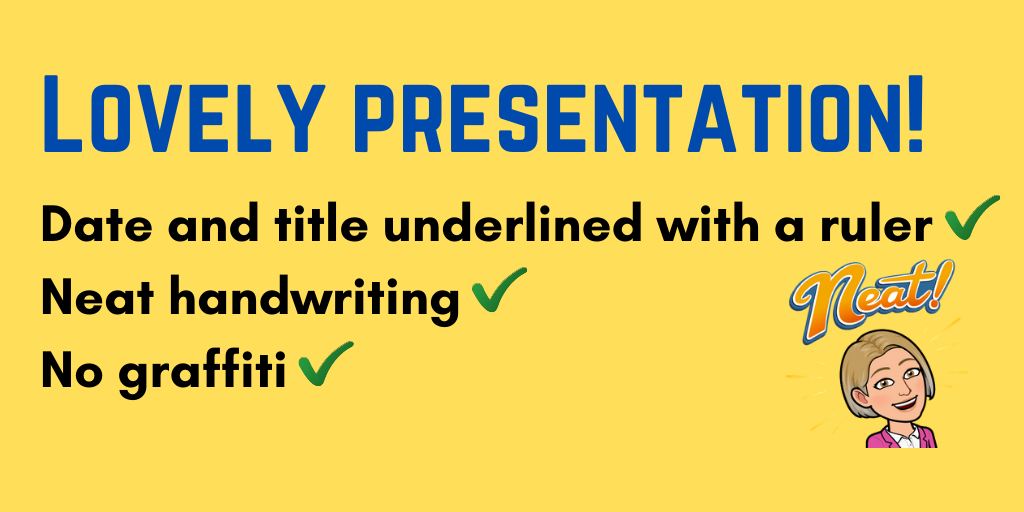 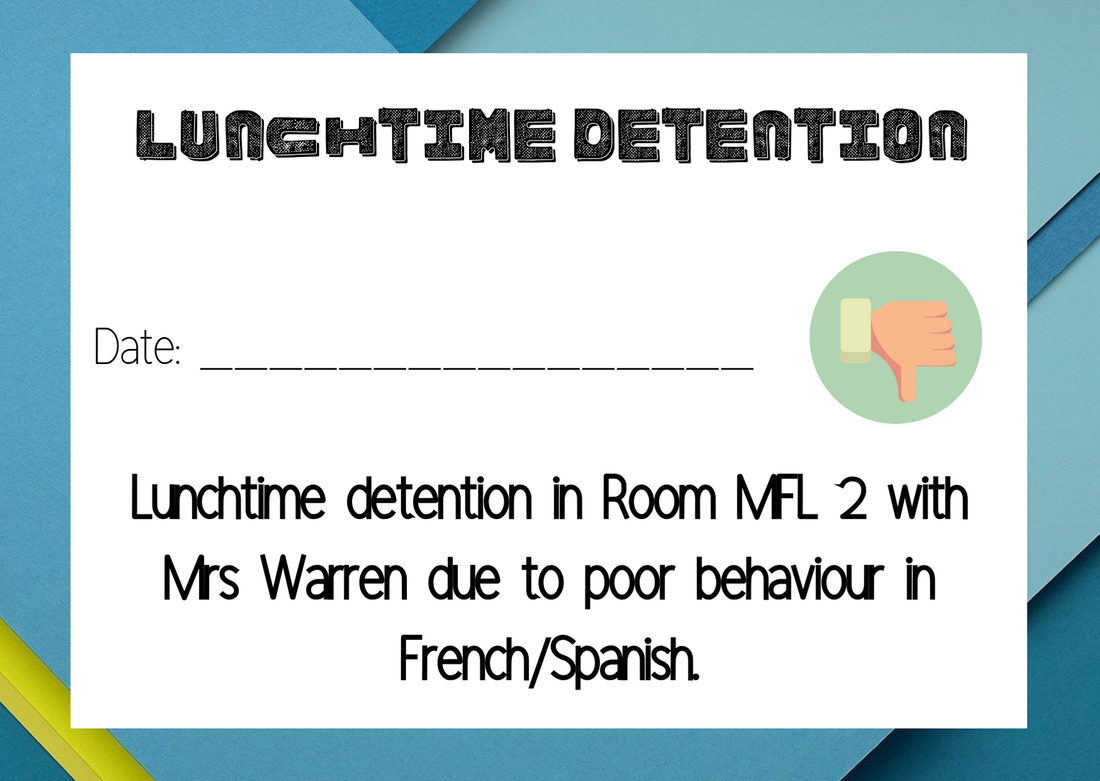 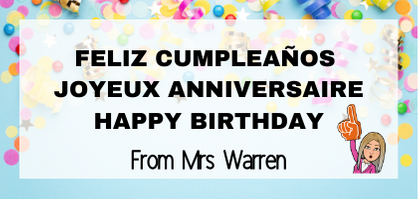 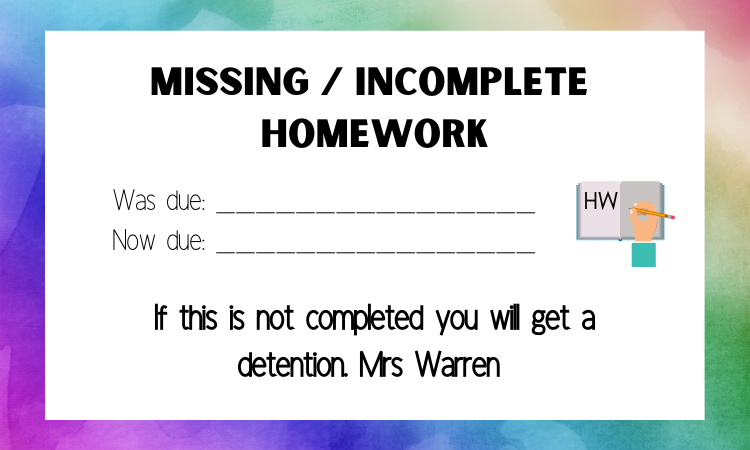 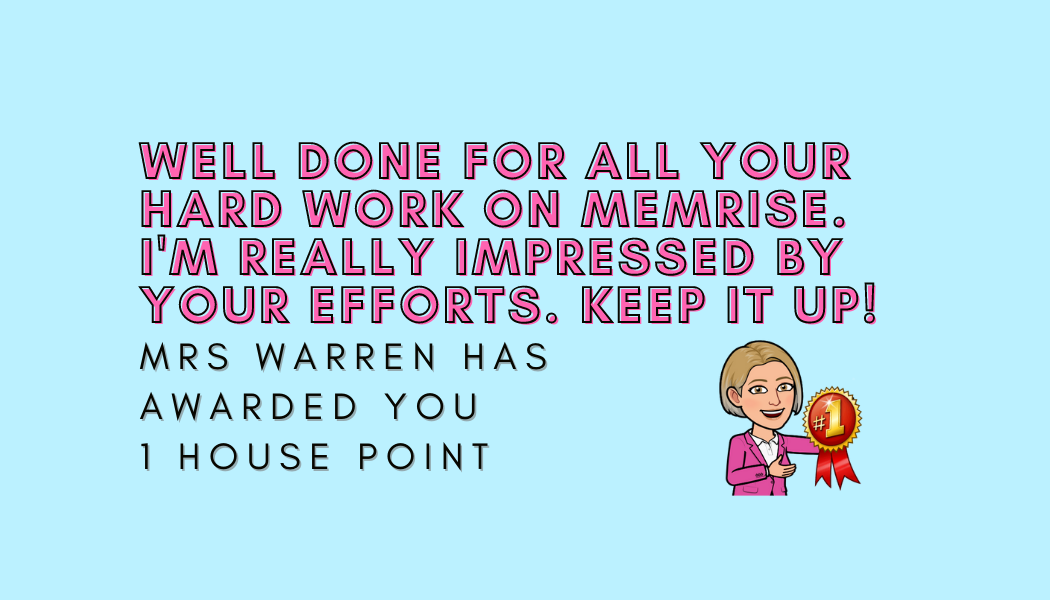 Classroom Resources You can use it to create stunning visuals (just like the ones below) that can be added to booklets, included in presentations or used as displays. I'm keen to hear your ideas on how you use Canva to support your teaching, so do feel free to tag me in anything you share on social media or comment below. If you've found this blogpost useful do consider contributing to my tea/coffee/hot chocolate fund. It's very much appreciated! I hope you've all had a lovely break and that the return to work (whatever that looks like for you) after Christmas isn't too painful. Dannielle x
1 Comment
Simone
18/7/2021 10:26:16
This is amazing, thank you! I had only known about Canva for the basic poster level, but the other features are so fantastic! Your comment will be posted after it is approved.
Leave a Reply. |